How to Redeem Skyships Codes
Exact steps for when the first promo codes go live—plus errors to avoid.
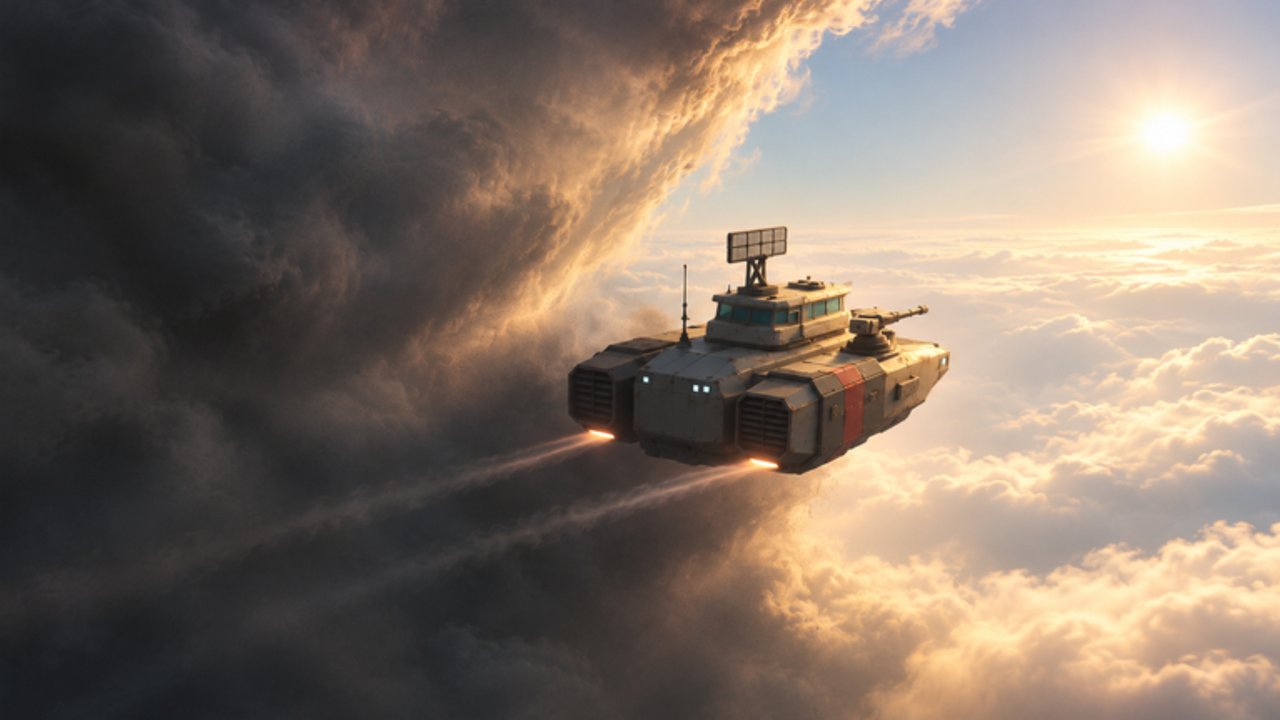
This guide explains how to redeem Skyships codes the moment Rusty crafts enables them. Right now the Codes Hub shows no active promos (November 2026), but redemption systems on Roblox experiences tend to follow a familiar pattern: open a Codes / Rewards / Settings panel, paste the string, confirm, then check inventory. Use this page as your checklist so you are not hunting UI labels mid-flight.
Skyships is a free-to-play adventure released 2026-10-22. Servers hold about 18 players, and the economy runs on mining and ship upgrades—not on codes. Still, when a launch event or milestone drop hits, redeeming quickly matters because many promos are first-come or time-boxed.
Before you redeem
- Confirm the code is listed as working on the Codes Hub. Ignore random social posts that do not match our verified table.
- Join the live experience from the official game page: Skyships on Roblox.
- Finish tutorial / dock safely if you are still on Fort Anton training. Redeeming while crashing into terrain is a great way to mis-tap menus.
- Have inventory space / locker access if the reward is a case or cosmetic. Cases open later via Locker → Cases at a port.
Step-by-step redeem flow
Exact button names can shift after patches. When codes go live we will update labels here. The expected flow is:
- Spawn or dock at a friendly port (Fort Anton, Fort Meridian, or later Fort Cebar / Fort Cedars).
- Open the experience menu (Roblox escape / in-game Settings or Shop cluster—look for Codes, Rewards, Promo, or a gift icon).
- Select the Codes input field.
- Paste or type the code exactly as shown on the Codes Hub—watch capital letters and hyphens.
- Press Redeem / Submit / Claim.
- Wait for a success toast. Then open CR balance, Locker, or case inventory to confirm the grant.
- Leave the menu and return to the MARKET / SHIPYARD loop. Codes are a bonus; your next CR still comes from ore sales.
If the UI lives only while docked, land with F/G landing gear first. Hold F is for mining deposits in open space—do not confuse mine hold with menu confirm.
Common errors and fixes
| Message / symptom | Likely cause | What to do |
|---|---|---|
| Invalid code | Typo, expired, or fake list | Recopy from Codes Hub; check expiry |
| Already redeemed | One redeem per account | You are done; rewards will not stack |
| Level / tutorial lock | New-account gate | Finish Fort Anton training, retry |
| Nothing happens | Lag or wrong panel | Rejoin server, try docked at port |
| Rewards missing | UI delay | Relog; check Locker → Cases |
Never “fix” a failed code by entering it on an external website. Password-steal pages often masquerade as Roblox code checkers.
What you might receive
Developers usually wire codes to soft rewards that fit the existing systems:
- Credits (CR) toward SHIPYARD purchases such as Corvette / Hornet (500 CR), Strizh (5000 CR + minerals), or Petard (7000 CR).
- Cases — Training, Common, Rare, Legendary — opened at port via Locker.
- Case Skip value or keys (the paid Case Skip pass is R$29; a code might mimic a free skip).
- Cosmetics or starter kit pieces similar to the Starter Pack (Strizh + MK40 + FK-88), without charging 19 Robux.
Codes will not unlock a legal T4 PvP hull overnight. PvP still wants T4+ ships such as Berkut, Gyurza, or Raptor. Use the ship tier list before you spend sudden CR spikes on the wrong destroyer.
After redeeming: spend smart
A code that dumps CR into your wallet is only valuable if you route it correctly:
- Sell any ore backlog at the MARKET so you see true CR.
- Check weapon gaps on Light / Medium mounts—weapon tiers rank early PvE picks like S M14, A MK 8 Hydra / AK-101, and B MK 40 Bofors.
- Decide hull vs weapons. Jumping Wasp → Corvette or Hornet at 500 CR is usually higher priority than stacking niche guns.
- If you prefer automation discussions instead of manual grinding, read the Scripts Hub and understand ban risk before experimenting.
New pilots should still complete Getting Started so controls stick: W/S thrust, A/D turn, E/Q altitude, M map, F/G gear / mine.
Keeping this page honest
We will revise menu paths after any UI redesign and cross-link every live code back to the Codes Hub. If redeem breaks for a patch week, the hub status banner takes priority over social media screenshots.
Related reading: Guides Hub, Tier List Hub, Updates Hub, and Players for crew / fleet context once More Fleet Members (R$99, 8 pilots) matters to your playstyle.
Until the first official string appears, practice the dock → market → shipyard loop. When codes finally land, return here, follow the steps once, and spend the reward on a hull that actually extends your voyage range.
Frequently Asked Questions
Quick answers to the most common questions.
Can I redeem Skyships codes right now?
Not yet. There are no active promo codes as of November 2026. Keep this guide handy and watch the Codes Hub for the first verified string.
Do I need to be docked to redeem?
Expect menus to work most reliably while safely docked at a port such as Fort Anton or Fort Meridian. If a patch allows mid-air redeem, we will note it here.
Why did my code say invalid?
Usually a typo, an expired promo, or a fake list. Copy only from the Codes Hub and match capitalization exactly.
Where do case rewards show up?
Check Locker → Cases while at a port. Training, Common, Rare, and Legendary cases open from that locker flow—not from the SHIPYARD.